
How do I manage my organization's roster?
The students formally on this organization's roster (e.g. the team/club members), shown below Calendar. Type a student's name into Search students…, click their name from the results, then Add to…
Last updated 2026-11-04
From the Organization Editor manual, "Roster".
The students formally on this organization's roster (e.g. the team/club members), shown below Calendar. Type a student's name into Search students…, click their name from the results, then Add to roster. Each roster row has its own Remove link. Once at least one student is on the roster, a Map link appears (top-right of this section) to view them on the Directory Map.
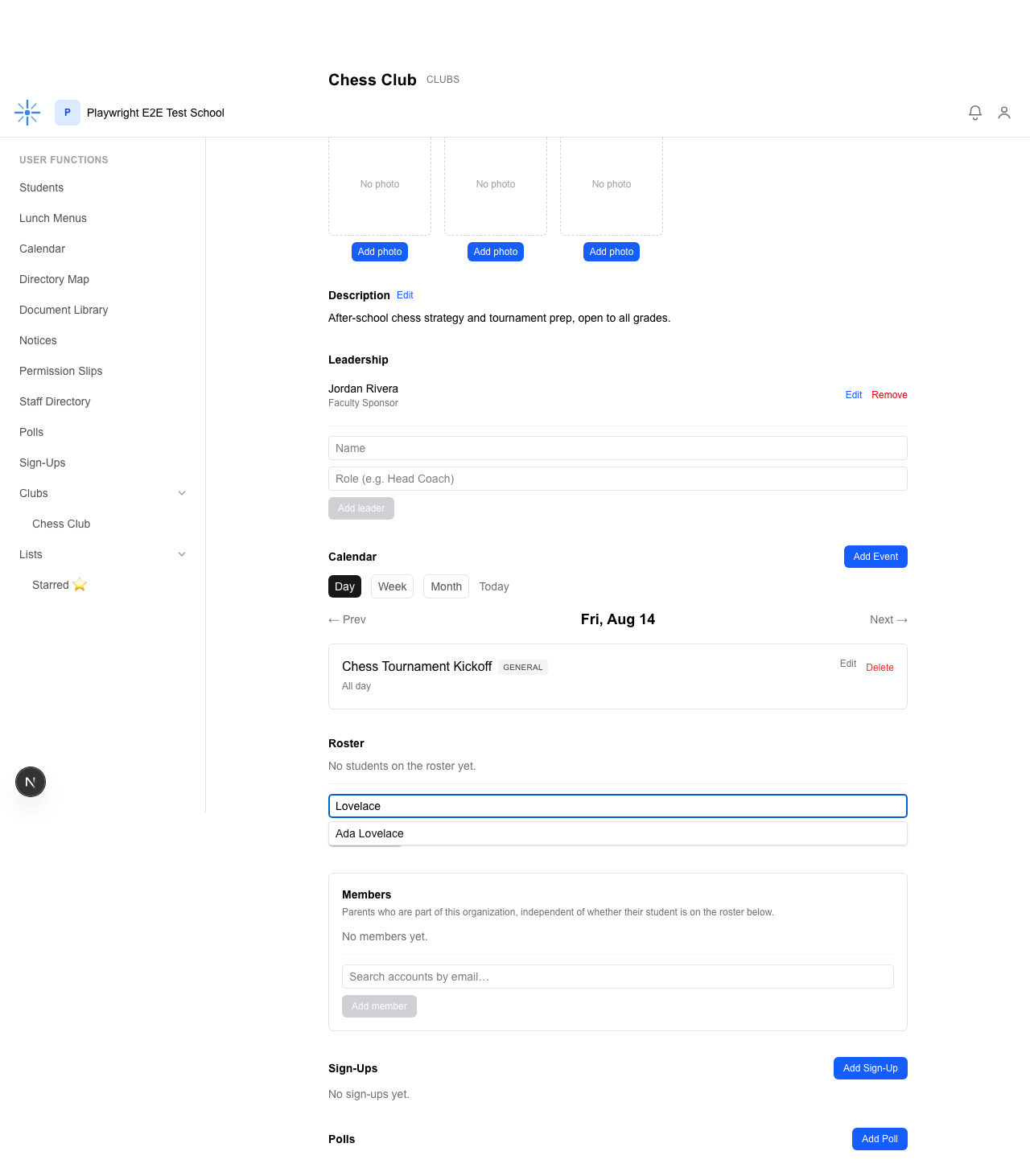 Type part of a name; matching students appear below the search box.
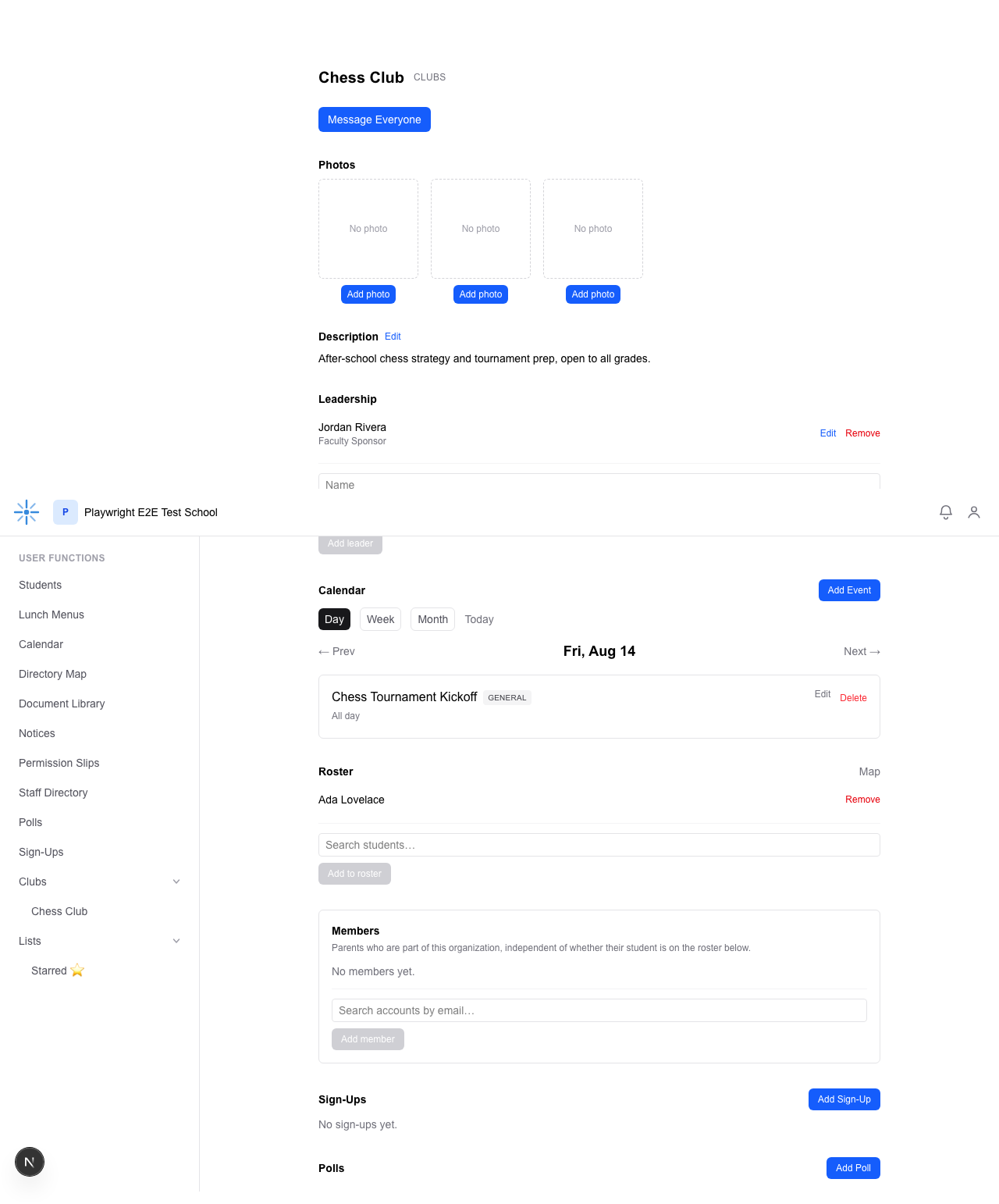 Ada Lovelace is now on the roster.