
How do I manage leadership?
The coach/director/advisor list. Each entry has a Role label (e.g. "Head Coach", "Faculty Sponsor") plus either: A name linked to your school's Staff Directory (searchable picker) — only offered if…
Last updated 2026-11-04
From the Organization Editor manual, "Leadership".
The coach/director/advisor list. Each entry has a Role label (e.g. "Head Coach", "Faculty Sponsor") plus either:
- A name linked to your school's Staff Directory (searchable picker) — only offered if your school has Staff Directory records at all, or
- A freeform name you type directly, for a leader who isn't in Staff Directory (e.g. a parent volunteer coach).
Fill in the Name (freeform mode) and Role fields, then Add leader. Existing entries have their own Edit and Remove links — Edit always lets you change the Role label; it also lets you change the Name, but only for a freeform entry. A Staff-Directory-linked entry's name always comes from Staff Directory itself and can't be edited here (Remove it and add it again as freeform if it needs a different display name).
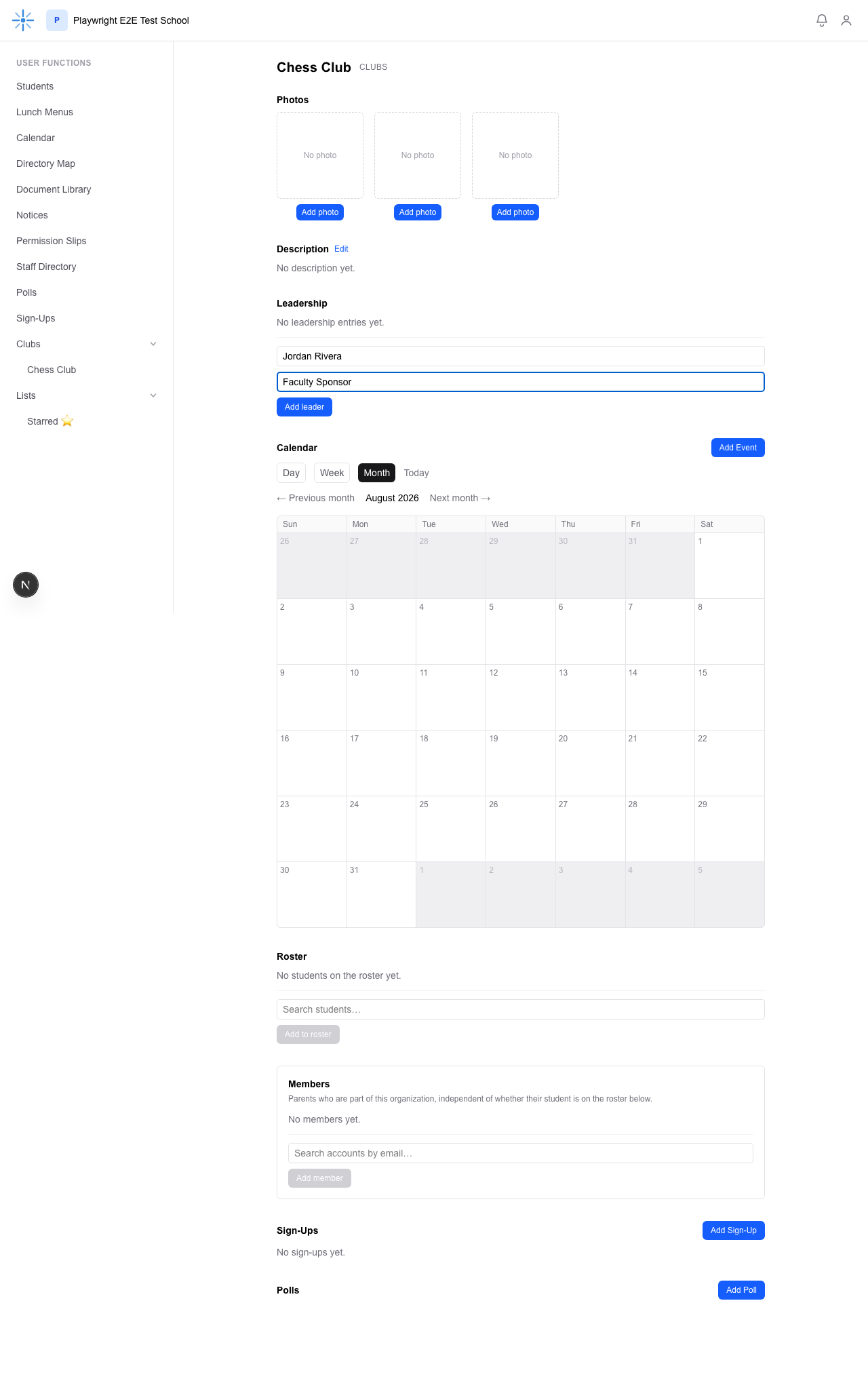 No Staff Directory records at this school in this example, so the form is freeform-only — just Name
and Role.
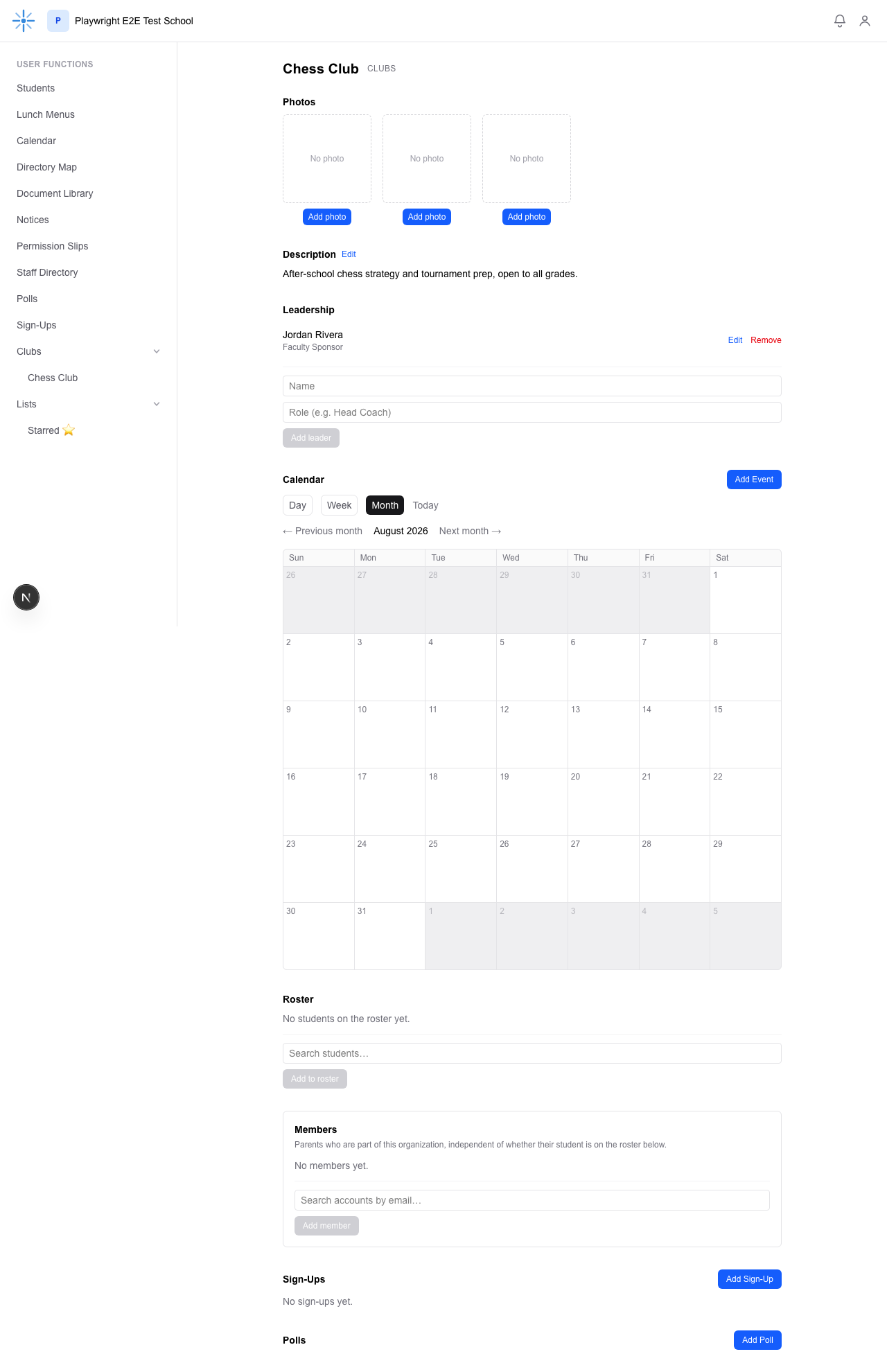 Jordan Rivera now appears in Leadership.