
How do I edit my organization's description?
Free text about the organization, shown right under Photos. Click Edit, type (or edit) the description, and Save. Leave it blank and visitors just see "No description yet."
Last updated 2026-11-04
From the Organization Editor manual, "Description".
Free text about the organization, shown right under Photos. Click Edit, type (or edit) the description, and Save. Leave it blank and visitors just see "No description yet."
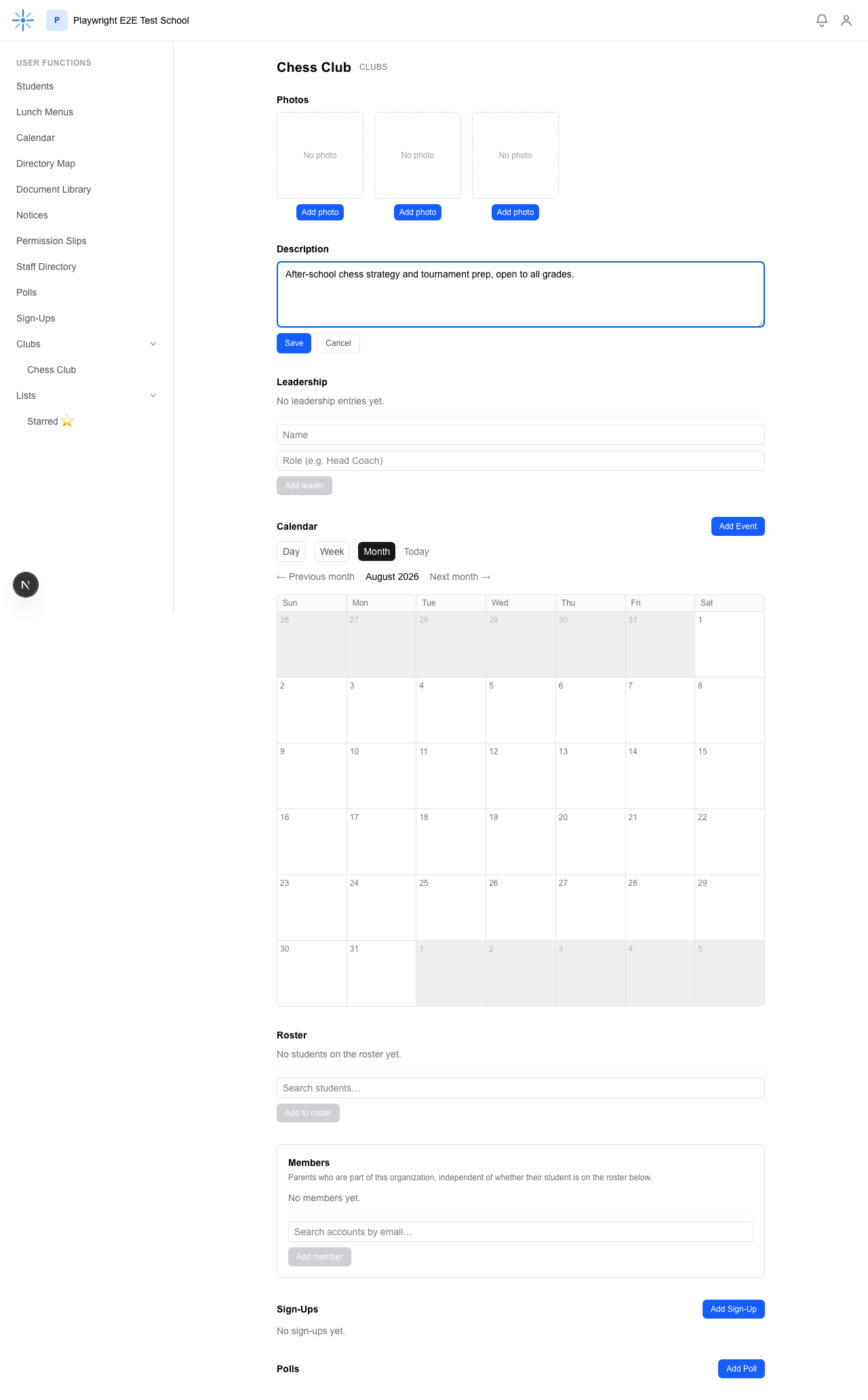 Click Edit, type your description, then Save.
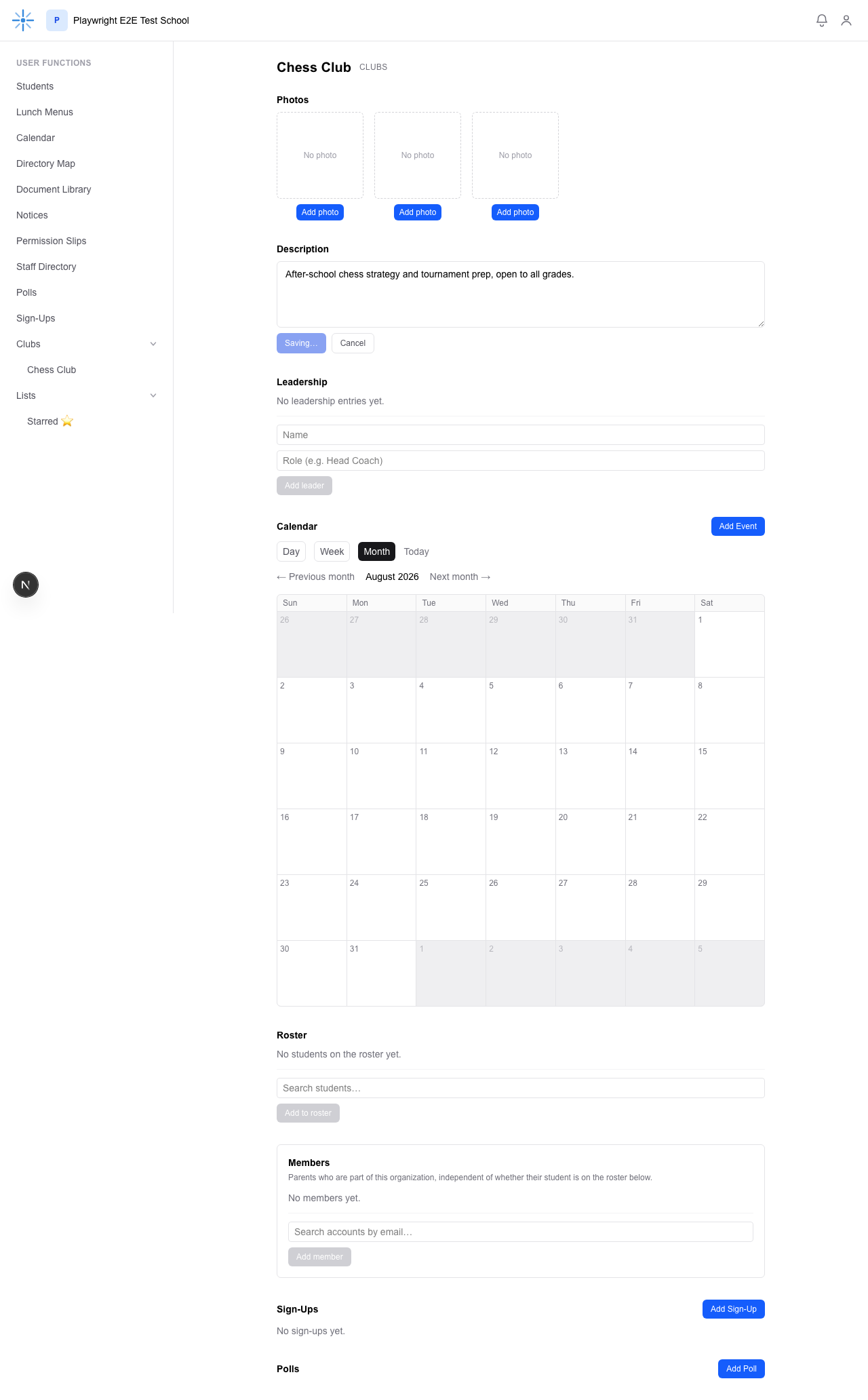 Saved — this is what every visitor to the page now sees.